> ## Documentation Index
> Fetch the complete documentation index at: https://docs.runmorph.dev/llms.txt
> Use this file to discover all available pages before exploring further.
# Authentication
> Add connector authentication with granular scope authorization.
## It all starts with ``
Configure your `` component with the connector of your choice and the operations scope you'll need to build your integration.
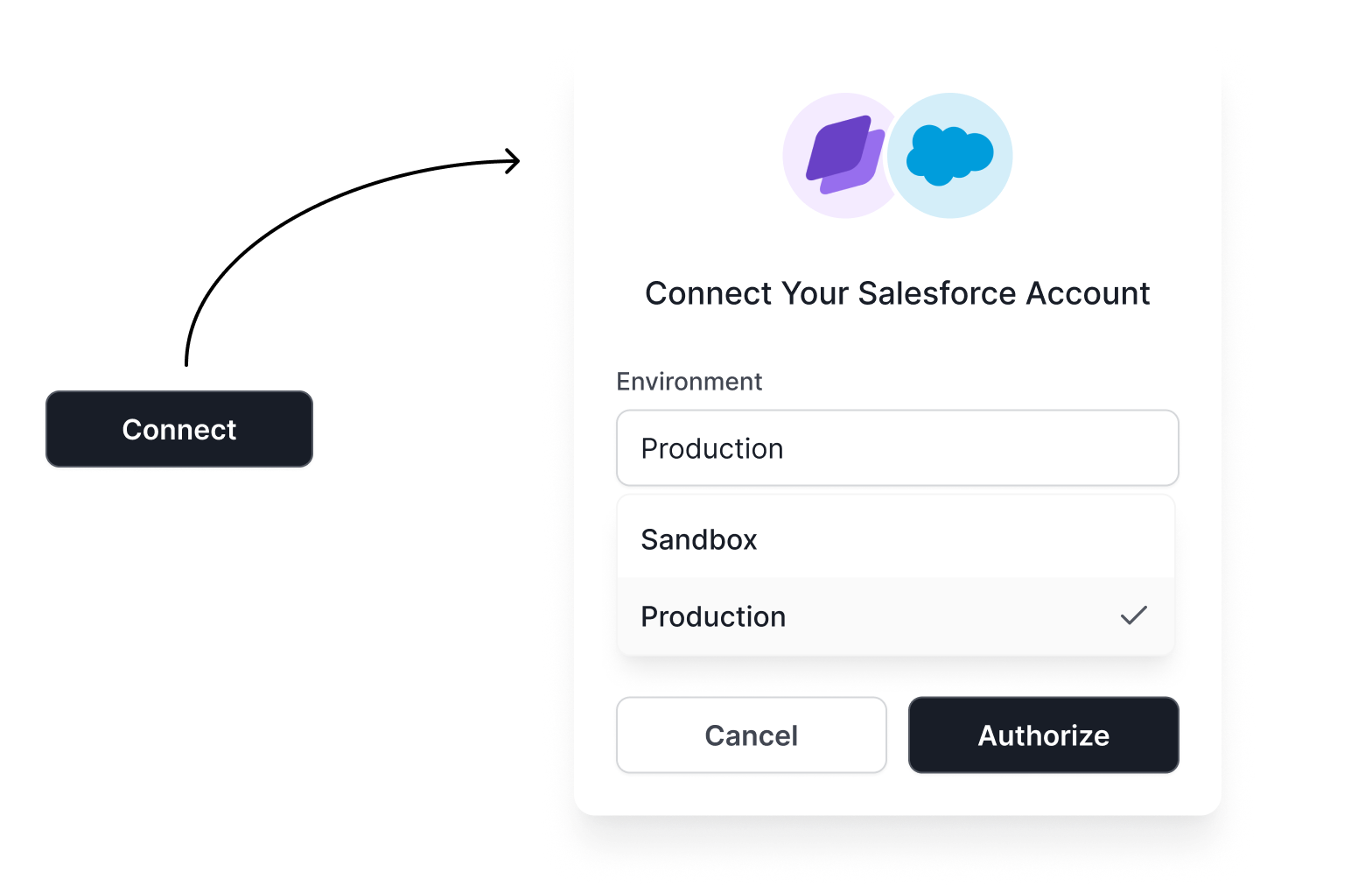
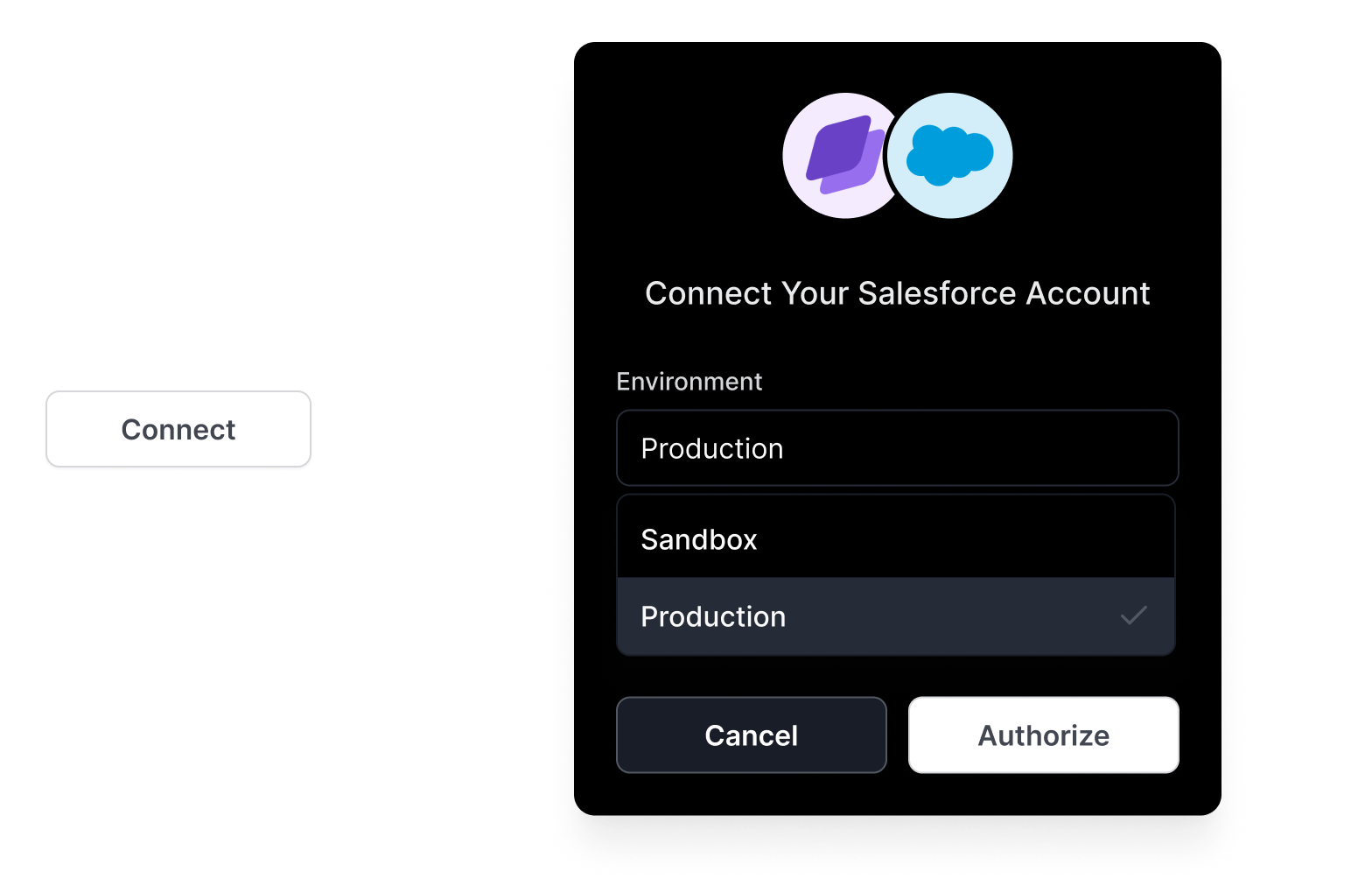 Morph simplifies third-party authentication with a fully managed system that handles OAuth flows, token management, and scope authorization. Leverage our [100+ open-source connectors](./connectors) to integrate with popular platforms like [Salesforce](./connectors/salesforce), [HubSpot](./connectors/hubspot), and more in minutes instead of weeks.
**Live Demo**
Morph simplifies third-party authentication with a fully managed system that handles OAuth flows, token management, and scope authorization. Leverage our [100+ open-source connectors](./connectors) to integrate with popular platforms like [Salesforce](./connectors/salesforce), [HubSpot](./connectors/hubspot), and more in minutes instead of weeks.
**Live Demo**
Select a connector below to experience our seamless authentication flow and see
how easy it is to connect third-party services.
{" "}
```typescript SSR component theme={null}
import { Morph } from "@runmorph/cloud";
import { Connect } from "@runmorph/atoms";
// Initialize Morph client with your API credentials
const morph = new Morph({
publicKey: process.env.MORPH_API_KEY!,
secretKey: process.env.MORPH_API_SECRET!,
});
async function SalesforceConnectButton() {
// Generate a secure session token for the component
// This token allows your users to authenticate with third-party services
const { sessionToken } = await morph.sessions().create({
connectorId: "salesforce",
ownerId: "customer-123", // Unique identifier for your customer
operations: [
"genericContact::list"
],
});
// Render the component with the session token
return ;
}
export default SalesforceConnectButton;
```
Once authorized, you can leverage the connection to interact with unified data models or make direct API requests through our proxy.
```typescript Server theme={null}
import { Morph } from "@runmorph/cloud";
// Initialize Morph client with your API credentials
const morph = new Morph({
publicKey: process.env.MORPH_API_KEY!,
secretKey: process.env.MORPH_API_SECRET!,
});
// Load a connection
const connection = morph.connections({
connectorId: "salesforce",
ownerId: "customer-123",
});
// Access a specific resource model
const contacts = connection.resources("genericContact");
// Create a contact
const { data, error } = await contacts.create({
firstName: "John",
lastName: "Doe",
email: "john.doe@corp.co",
});
```
## Next
List, create, update seamlessly `contact`, `opportunity`, `ticket` and over{" "}
[30 other unified model](/models/all) across all connectors,
simplifying your integrations with a single codebase.
Real-time bidirectional data synchronization between any connector's model
(e.g `contact`) and your own database.
## Security & Compliance
* All credentials are encrypted at rest
* Follows OAuth 2.0 best practices
* Compliant with security standards